
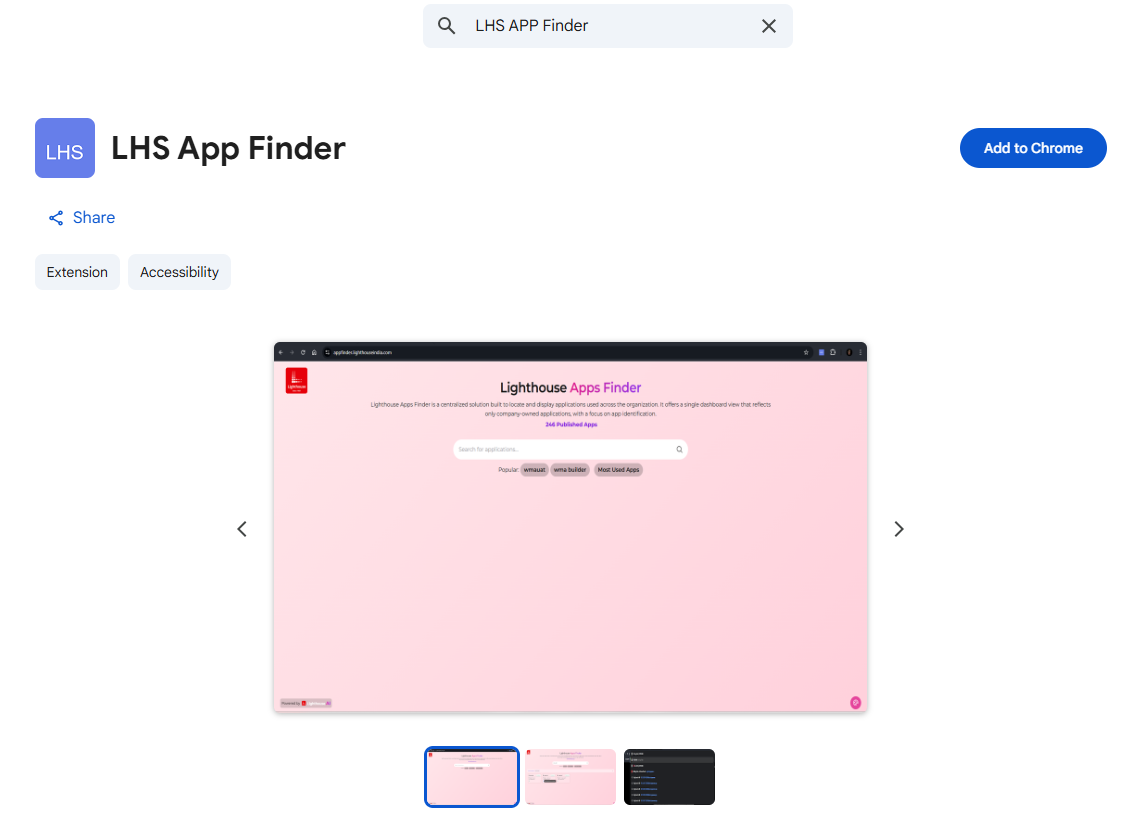
Lighthouse Apps Finder is a centralized solution built to locate and display applications used across the organization. It makes enterprise application access faster, smarter, and effortless — directly from your browser or Chrome address bar.
Lighthouse App Finder is an AI-powered enterprise application discovery tool that helps users instantly find internal Lighthouse applications. Search without remembering application URLs, server names, or exact app names. Supports English, Hindi, and Marathi.
Enter keywords like wma, doc, open python apps
The AI understands intent and shows relevant applications.
Click the application to open it.
Natural language search understands your intent
Search directly from Chrome address bar
Works in English, Hindi, and Marathi
Only approved Lighthouse domains are displayed
Search for "Lighthouse App Finder"
Click Add to Chrome → Add Extension
Pin the extension from the toolbar
The extension is now installed and ready to use directly from the Chrome address bar (omnibox).
Click on the Chrome address bar or press Ctrl + L
Type: lhs
Press the Tab key to activate the extension
Type your search query. Examples:
Select the application from suggestions and press Enter
